

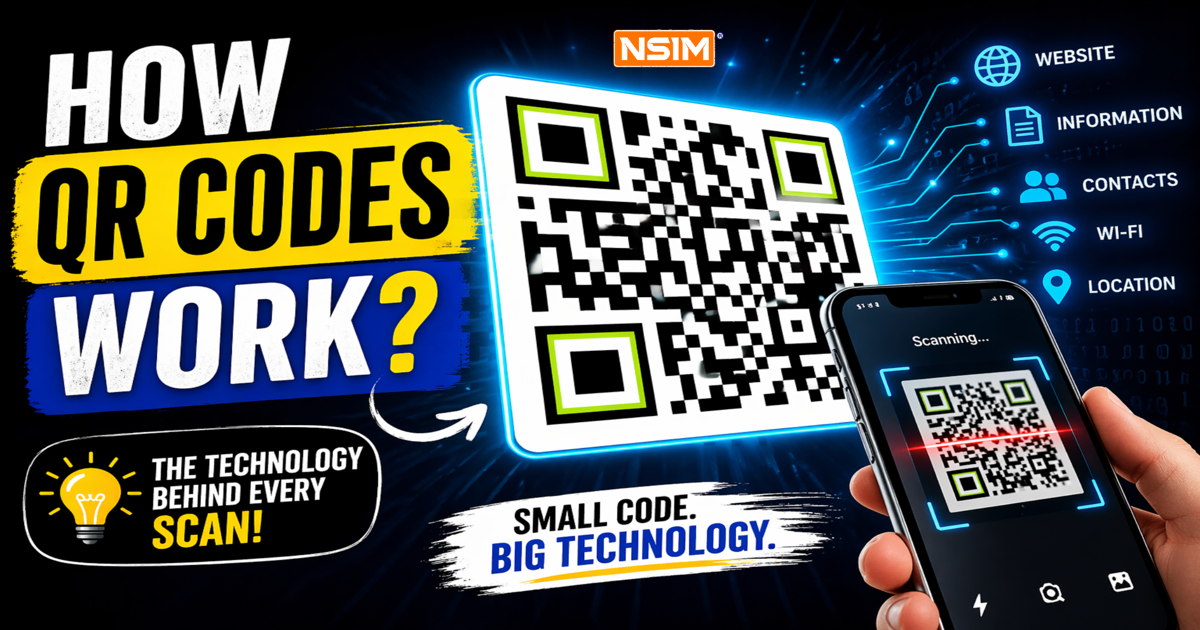
How QR Codes Work: A Simple Yet Deep Technical Guide Behind Every Scan
QR codes have quietly become part of our everyday life. You scan one to make a payment, check a restaurant menu, download an app, or even connect to WiFi. It feels instant and effortless.
But behind that small square is a well-designed system that combines data encoding, error correction, and smart image processing.
Let’s break it down in a way that is both simple and technically strong.
Table of Contents
- How Do QR Codes Work
- Parts of a QR Code
- What Information Is in a QR Code
- How Do Dynamic QR Codes Work
- How Do QR Codes Work Technically
- And That’s How QR Codes Work
How Do QR Codes Work?
A QR code stores information using a grid of black and white squares. Each square represents binary data.
When you scan a QR code:
- Your phone camera captures the image
- The scanner detects the QR pattern
- It reads the encoded data
- Then performs an action like opening a website
Unlike traditional barcodes, QR codes store data both horizontally and vertically. This allows them to hold much more information.
They are also designed to work even when partially damaged or scanned at an angle.

Parts of a QR Code
A QR code is not random. It follows a strict structure.
Finder Patterns -
The three large squares at the corners help the scanner detect the position and orientation.
Alignment Patterns -
These smaller squares correct distortion when the QR code is tilted or printed on uneven surfaces.
Timing Patterns -
These are alternating black and white lines that define the grid structure.
Data Area -
This section contains the actual encoded information.
Quiet Zone -
The empty white border around the QR code. Without this, scanning becomes difficult.
Here’s a simple visual breakdown to help you understand each part clearly:

What Information Is in a QR Code?
QR codes can store multiple types of data such as:
- Website URLs
- Plain text
- Contact details
- WiFi credentials
- Payment data
- App links
All of this information is converted into binary format. That binary data is then mapped into black and white squares.
More complex data requires a larger QR code.

How Do Dynamic QR Codes Work?
Dynamic QR codes are widely used in marketing, analytics, and enterprise systems because they are flexible and editable.
Instead of storing the final content, they store a short link or unique ID that connects to a backend server.
Step by Step Flow
- Creation
A dynamic QR code is generated with a short URL like
https://qr.example.com/xyz789 - Scan Event
When a user scans the QR code, their device sends a request to this short URL. - Server Processing
The server checks its database to find the actual destination linked to that code. - Redirection
The server responds with a redirect and sends the user to the final destination. - Final Output
The user sees the intended content such as a webpage, file, or app.
Why Dynamic QR Codes Are Powerful
Because the destination is stored on a server:
- You can change the link anytime
- You do not need to reprint the QR code
- You can run different campaigns using the same code
Tracking and Analytics
Dynamic QR codes allow detailed tracking. Before redirecting, the system logs:
- Time of scan
- Location (approximate)
- Device type
- Total and unique scans
This makes them extremely useful for marketing analysis.
Security Features
Advanced systems may include:
- Expiration dates
- Access control
- Token-based validation
- Detection of suspicious scan patterns
Real Example
Think of a QR code on a product package.
The company can update:
- Product information
- Offers or discounts
- Regional content
All without changing the printed code.

How Do QR Codes Work Technically
Now let’s go deeper into the actual system that makes QR codes work.
1. Data Encoding
The input data is first converted into binary form.
Then it is encoded using the most efficient mode:
- Numeric for digits
- Alphanumeric for letters and numbers
- Byte mode for general text
- Kanji mode for specific character sets
This step ensures efficient storage.
2. Version and Size Selection
QR codes come in different sizes called versions.
- Version 1 has 21 × 21 modules
- Each version increases size by 4 modules per side
- Larger versions store more data
3. Error Correction
QR codes use Reed-Solomon error correction.
This adds extra data so the original information can be recovered even if parts are damaged.
There are four levels:
- Low level recovers around 7 percent
- Medium level recovers around 15 percent
- Higher levels recover up to 30 percent
This is why scratched QR codes still work.
4. Data Structuring
The data is divided into blocks and interleaved.
This means the data is spread across the QR code instead of being stored in one place.
So even if one area is damaged, the data can still be reconstructed.
5. Masking
Some patterns can confuse scanners. To avoid this:
- The system applies different mask patterns
- Each pattern changes how the data looks
- The best pattern is selected based on readability
6. Module Placement
The encoded data is placed inside the grid:
- Starting from the bottom-right corner
- Moving in a zigzag pattern
- Avoiding reserved areas
Each small square is a module representing binary data.
7. Scanning Process
When scanning:
- The system detects the QR shape
- It corrects perspective
- It maps the grid
- Reads each module
8. Decoding and Output
Finally:
- Binary data is extracted
- Error correction is applied
- Data is decoded into readable form
Then the final action happens, such as opening a link.
Why QR Codes Are So Reliable
They work well because of:
- Strong error correction
- Smart data distribution
- Flexible encoding
- Robust scanning algorithms
This allows them to work even in low light, at angles, or when partially damaged.

And That’s How QR Codes Work
What looks like a simple square is actually a carefully engineered system.
It combines encoding, error correction, and image processing to deliver fast and reliable results.
That is why QR codes are used everywhere, from payments and marketing to authentication and cybersecurity.
If you found this helpful, there’s a lot more coming your way.
Follow NSIM Education Blogs for simple, practical knowledge on technology, learning, and personal growth.